Note
Go to the end to download the full example code.
Mesh2_2D#
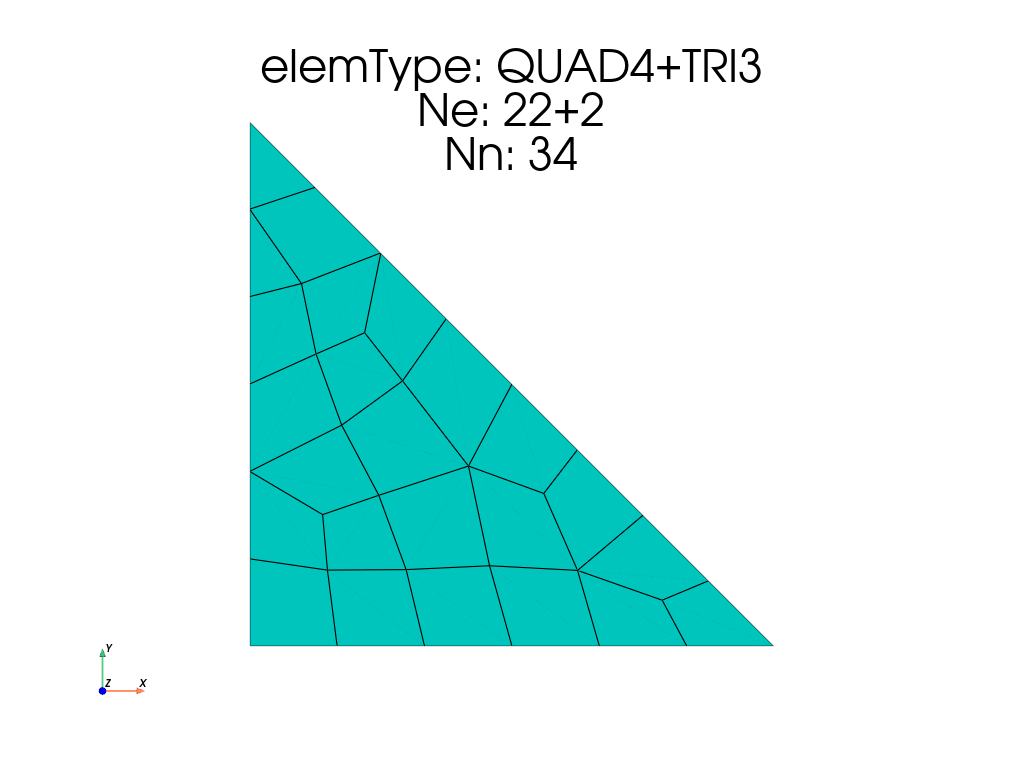
Meshing a triangle.
14 from EasyFEA import Display, ElemType, PyVista
15 from EasyFEA.Geoms import Points
16
17 if __name__ == "__main__":
18     Display.Clear()
19
20     h = 180
21     N = 5
22
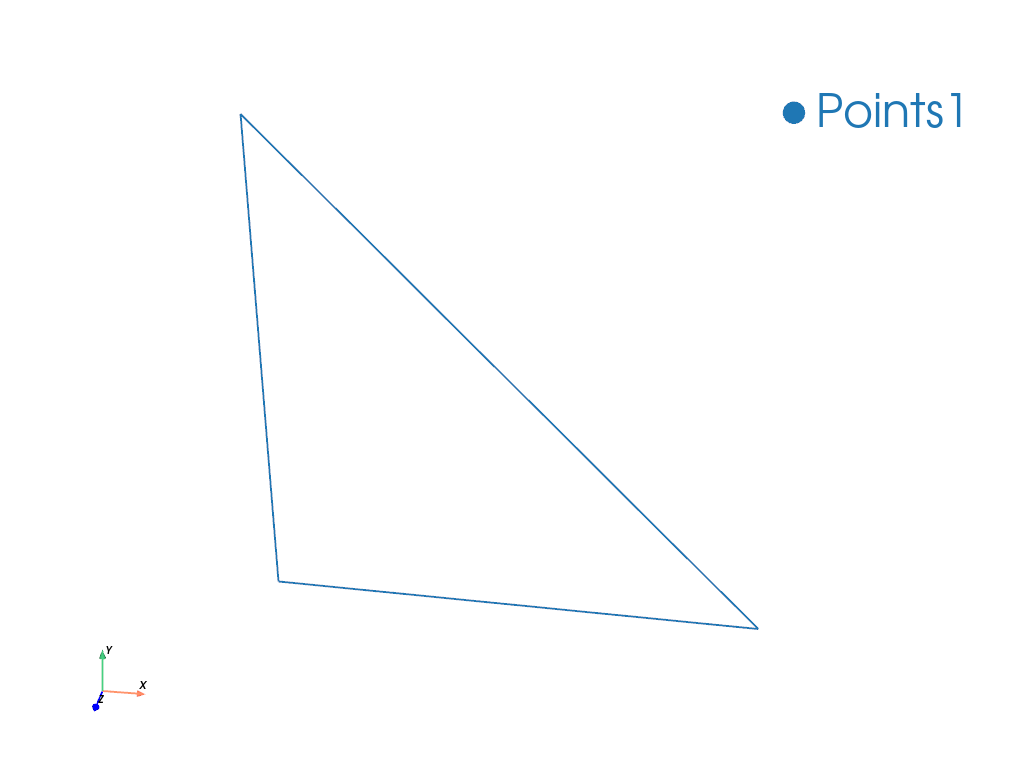
23     contour = Points([(0, 0), (h, 0), (0, h)], h / N)
24     PyVista.Plot_Geoms(contour).show()
25
26     # "TRI3", "TRI6", "TRI10", "TRI15", "QUAD4", "QUAD8", "QUAD9"
27     elemType = ElemType.QUAD4
28     mesh = contour.Mesh_2D([], elemType)
29     plotter = PyVista.Plot_Mesh(mesh)
30     plotter.add_title(str(mesh))
31     plotter.show()
Total running time of the script: (0 minutes 0.404 seconds)