Create a geometric object#
A geometric object (accessible in the EasyFEA.Geoms namespace) describes the shape of the domain before its discretization using the meshing methods Mesh_2D(), Mesh_Extrude(), and Mesh_Revolve().
See also
Geoms API
Basic shapes#
Line#
from EasyFEA.Geoms import Line

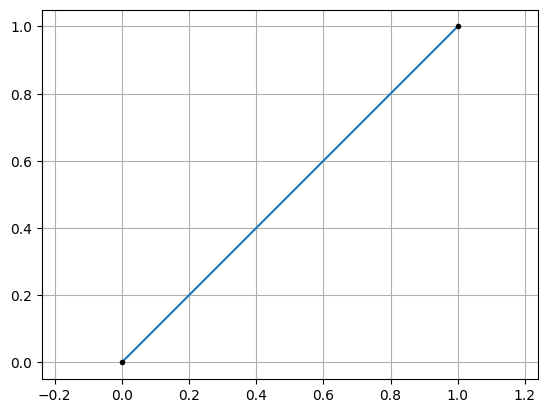
line = Line((0, 0), (1, 1))
line.Plot()
<Axes: >
Rectangle / box (Domain)#
from EasyFEA.Geoms import Domain

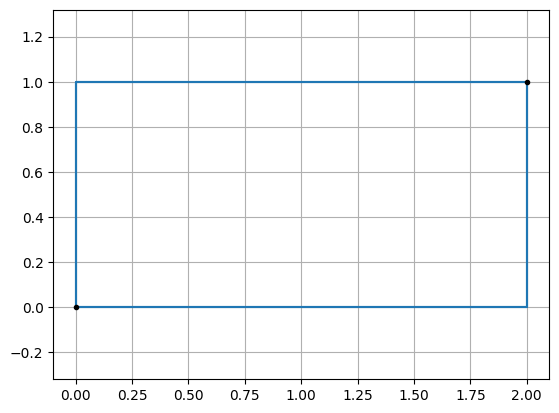
domain = Domain((0, 0), (2, 1))
domain.Plot()
<Axes: >
from EasyFEA.Geoms import Domain

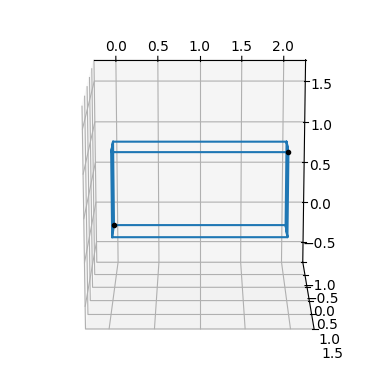
box = Domain((0, 0, 0), (2, 1, 0.5))
box.Plot()
<Axes3D: >
Circle#
from EasyFEA.Geoms import Circle

circle = Circle(center=(0, 0), diam=1.0)
circle.Plot()
<Axes: >
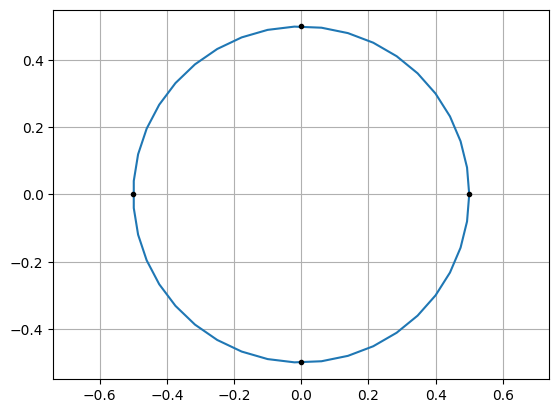
isFilled=False (default) defines the circle as a boundary (hole or outer contour).
isFilled=True defines it as a filled inclusion.
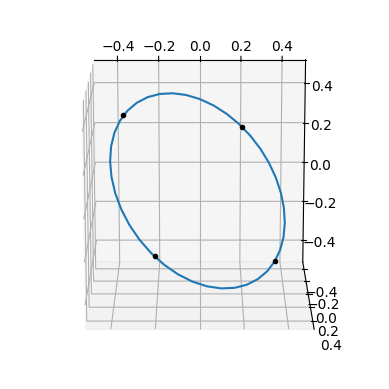
A circle can also be oriented in 3D by specifying a normal vector n:
from EasyFEA.Geoms import Circle

circle = Circle((0, 0), diam=1.0, n=(0.5, 0.5, 0.5))
circle.Plot()
<Axes3D: >
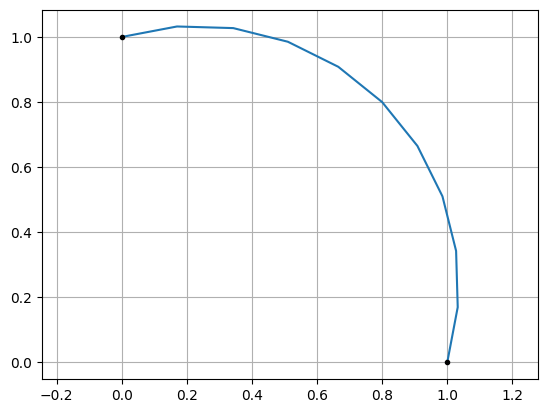
Circular arc (CircleArc)#
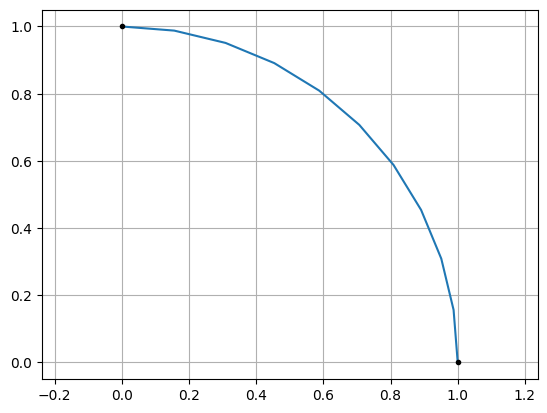
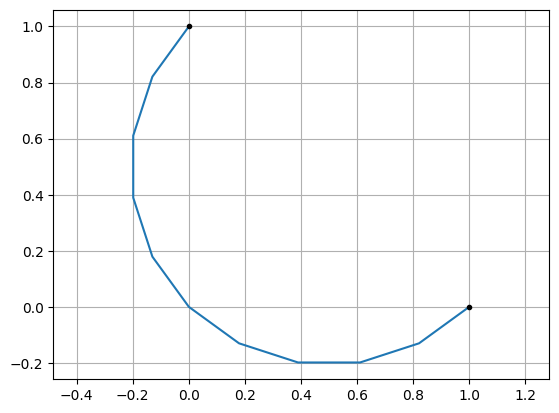
Three construction modes are available:
from EasyFEA.Geoms import CircleArc

# from two end points and a center
arc = CircleArc((1, 0), (0, 1), center=(0, 0))
arc.Plot()
<Axes: >
from EasyFEA.Geoms import CircleArc

# from two end points and a radius
arc = CircleArc((1, 0), (0, 1), R=0.5)
arc.Plot()
<Axes: >
from EasyFEA.Geoms import CircleArc

# from two end points and a point on the arc
arc = CircleArc((1, 0), (0, 1), P=(0.8, 0.8))
arc.Plot()
<Axes: >
Polygons and contours#
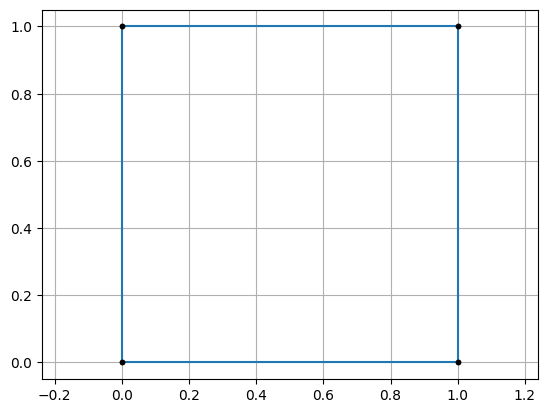
Polygon from a list of points (Points)#
from EasyFEA.Geoms import Points

contour = Points([(0, 0), (1, 0), (1, 1), (0, 1)]).Get_Contour()
contour.Plot()
<Axes: >
Add fillets at corners#
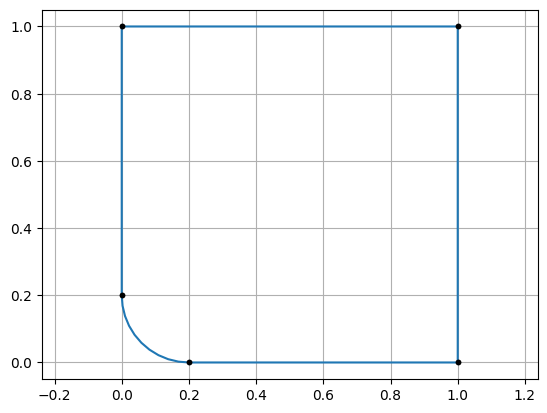
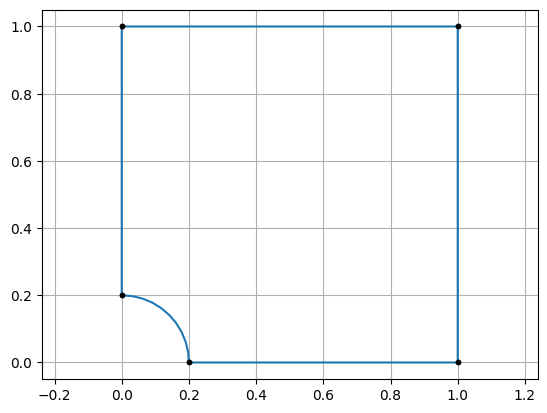
Assign a fillet radius r on individual Point objects. Positive r
rounds the corner outward; negative r rounds it inward:
from EasyFEA.Geoms import Point, Points

contour = Points([Point(0, 0, r=0.2), (1, 0), (1, 1), (0, 1)]).Get_Contour()
contour.Plot()
<Axes: >
from EasyFEA.Geoms import Point, Points

contour = Points([Point(0, 0, r=-0.2), (1, 0), (1, 1), (0, 1)]).Get_Contour()
contour.Plot()
<Axes: >
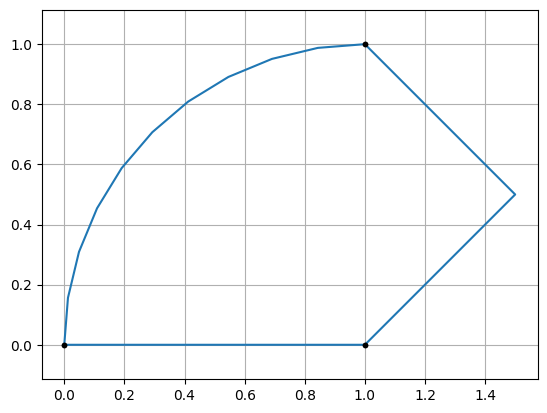
Composite contour (Contour)#
Assemble a closed loop from any mix of Line, CircleArc, and Points:
from EasyFEA.Geoms import Line, CircleArc, Points, Contour

line       = Line((0, 0), (1, 0))
points     = Points([(1, 0), (1.5, 0.5), (1, 1)])
circle_arc = CircleArc((1, 1), (0, 0), center=(1, 0))
contour    = Contour([line, points, circle_arc])
contour.Plot()
<Axes: >
Geometric transformations#
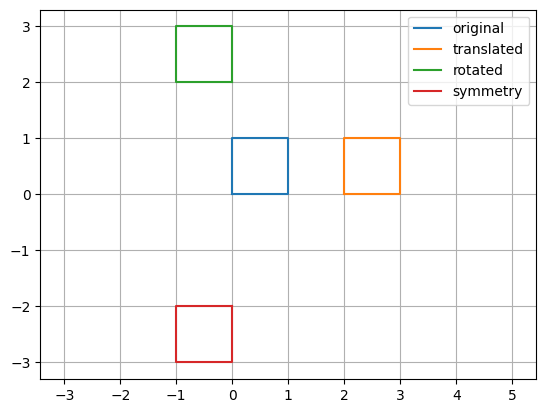
All geometry objects support copy(), Translate(), Rotate(), and Symmetry().
These operations modify the object in place; use copy() first to preserve the original.
from EasyFEA.Geoms import Points

contour1 = Points([(0, 0), (1, 0), (1, 1), (0, 1)]).Get_Contour()
contour2 = contour1.copy(); contour2.Translate(dx=2)
contour3 = contour2.copy(); contour3.Rotate(90, center=(0, 0), direction=(0, 0, 1))
contour4 = contour3.copy(); contour4.Symmetry(point=(0, 0), n=(0, 1, 0))

ax = contour1.Plot_Geoms(
    [contour1, contour2, contour3, contour4], plotPoints=False
)
ax.legend(["original", "translated", "rotated", "symmetry"])
<matplotlib.legend.Legend at 0x124e0bc9a4d0>